
Musicians & Producers
From testing different arrangements to preparing rehearsal materials and production drafts, musicians and producers can shape their sound with more flexibility.

Our free background music remover can remove music from audio and video files easily and keep the original speech clear, natural, and professional. No signup needed.
Upload an audio file.
Supported formats: MP3, WAV, M4A, AAC, FLAC, MP4, MOV, AVI, MKV, WEBM, up to 100 MB
Background music can enhance the emotional impact of a video, creating a more immersive experience for viewers. However, when music is overly dominant or poorly balanced in the mix, it can undermine audio clarity and make spoken content difficult to comprehend. You may find yourself turning the volume up, replaying sections, or struggling to understand what someone is saying. A good background music remover helps bring the speaker's voice forward, making the audio clearer and easier to follow. Whether you're creating subtitles, transcribing interviews, editing podcasts, or preparing videos for social media, clean audio helps you capture every word and deliver a better listening experience.
Remove Music in Seconds
Removing background music is much simpler than most people imagine. Just three simple steps.
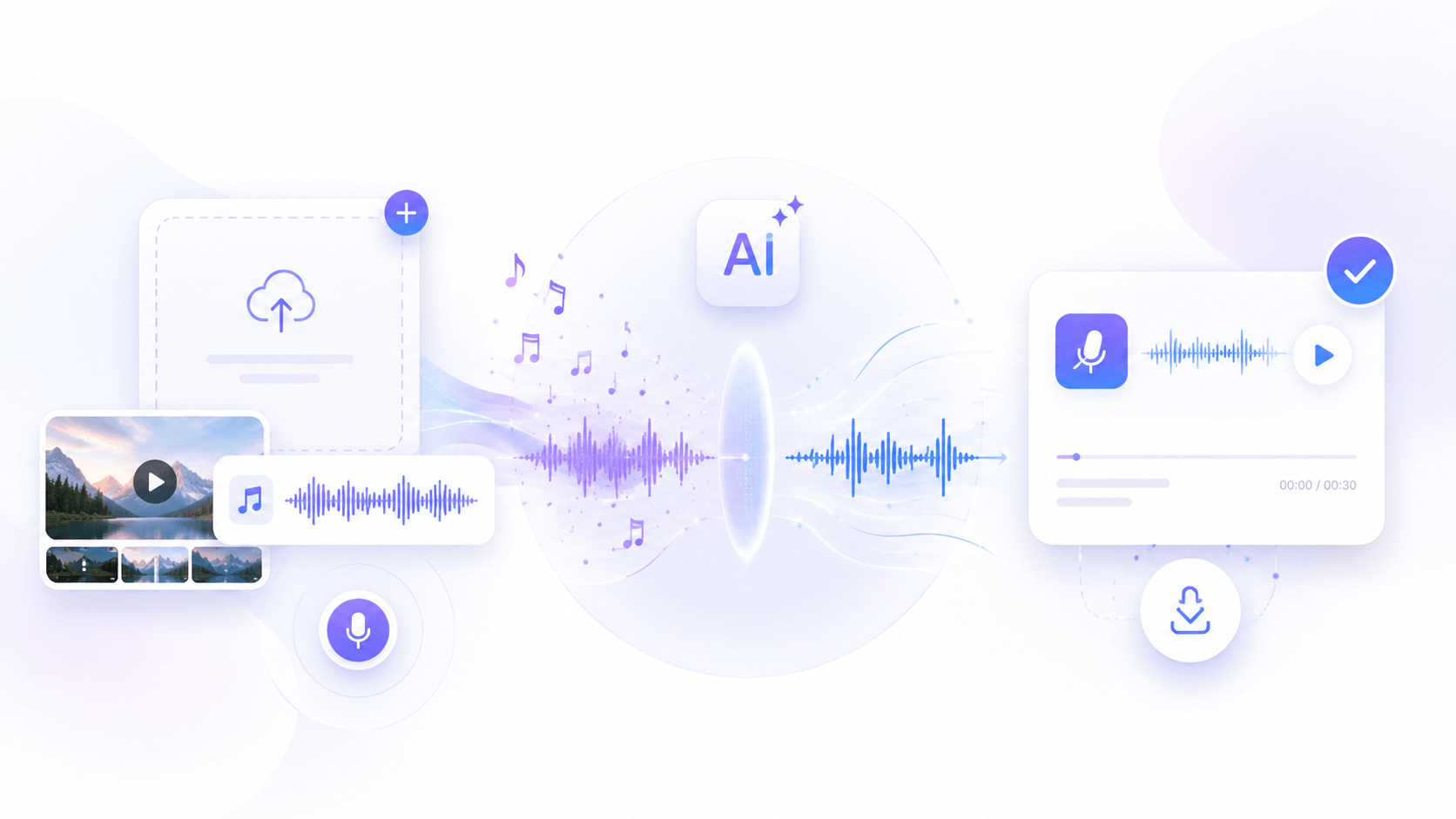
Upload your audio or video file, or record directly from your device. Our tool supports all popular import formats.
In just a few moments, you will get a cleaner and more accurate version of your audio or video.
Preview the processed result, check the voice quality, and download your clean file with the background music removed.
Start processing your files instantly with no hidden fees or complicated setup. Enjoy a simple and free way to remove background music.
As soon as users upload a file, the music will be separated with advanced AI algorithms. Get the audio fast and preview it without waiting.
Separate background music from both audio and video files. It supports MP3, WAV, MP4, and 20+ popular formats.
Even with noisy backgrounds, it accurately separates background music from speech while ensuring voice quality.
Access the free tool on desktop, tablet, and mobile devices. You can remove background music anytime, anywhere.
Skip time-consuming and difficult editing workflows. No professional editing skills or complex tools are needed here.
Explore different ways to improve your audio quality with ease.
Long recordings often contain valuable conversations, lessons, or stories that deserve clear sound. When background music becomes unnecessary, manual editing can take significant time and effort. Our background music remover speeds up the cleanup process by reducing unwanted music or noise across lengthy files while keeping voices natural and easy to follow. A one-hour recording or a file up to 5GB can be cleaned in just a few minutes.
Try Free Music Remover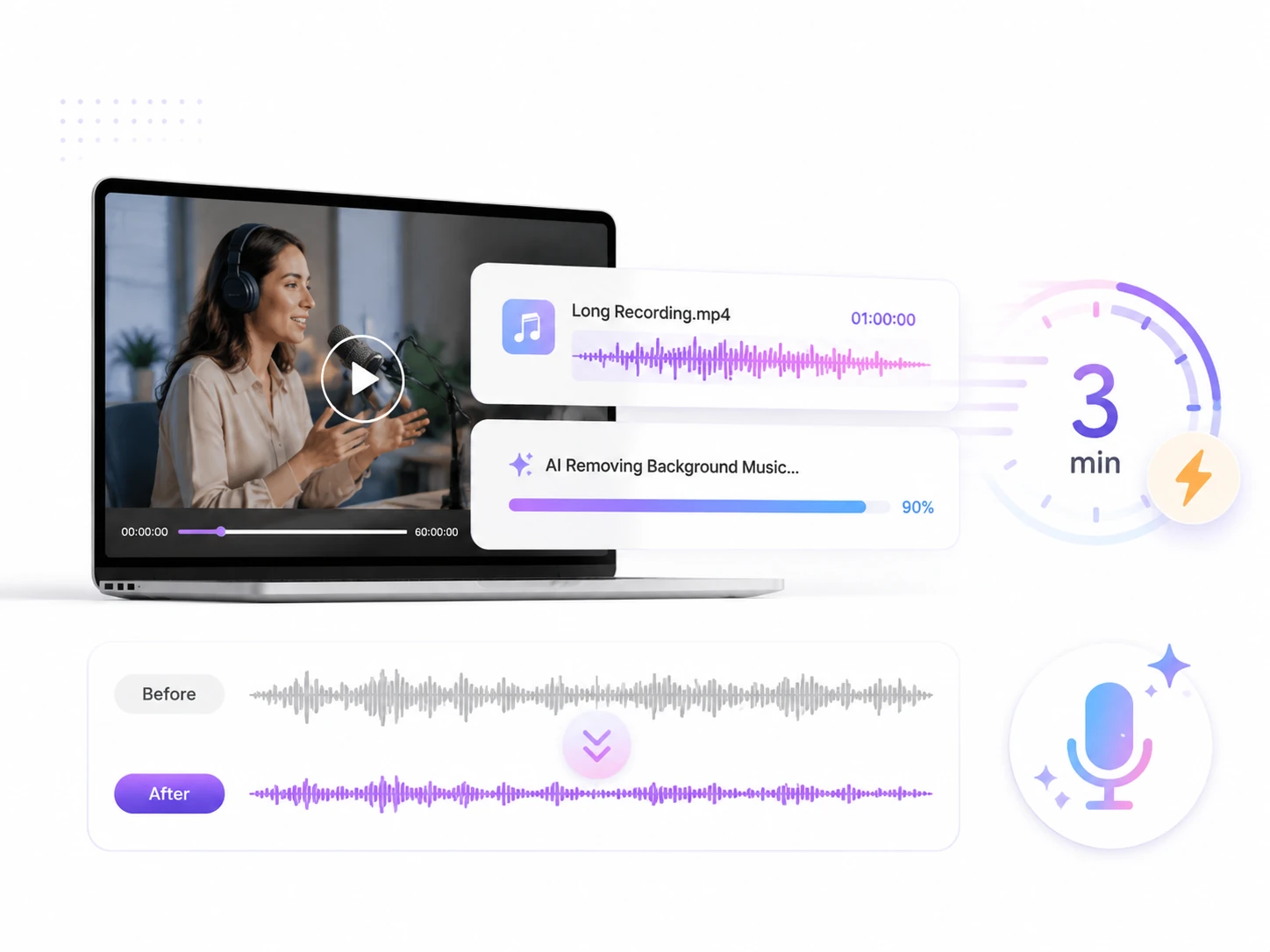
Background music sometimes overpowers spoken content and make important details harder to follow. Our tool removes distracting music while preserving the natural characteristics of the original voice, including clarity, tone, and emotion. It separates speech from background tracks without making the speaker sound robotic or distorted, so conversations, interviews, tutorials, and any content involving voice remain comfortable to listen to.
Remove Background Music Now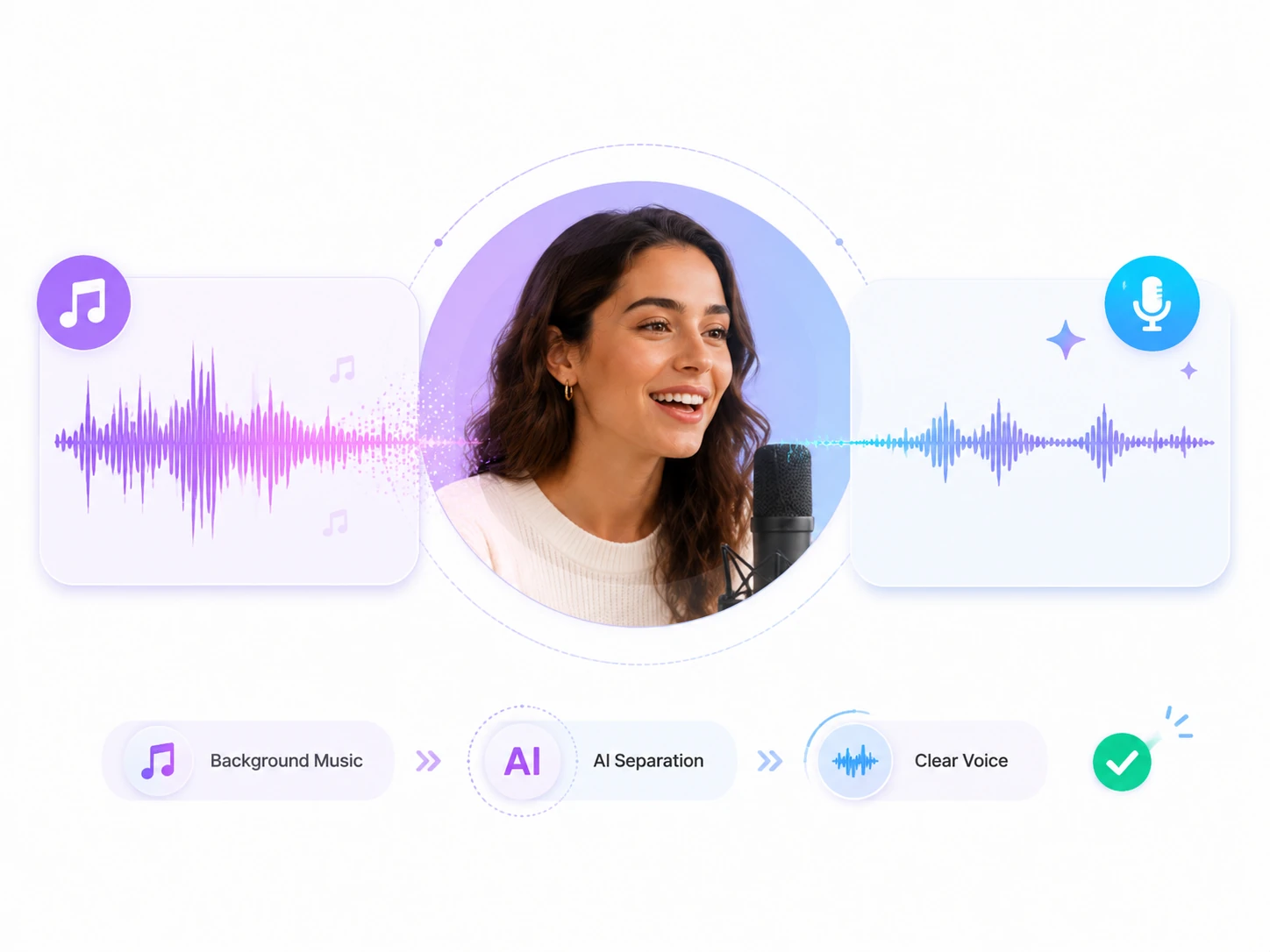
Mixed audio that contains multiple sound elements may compete for attention. Our background music remover analyzes the relationship between vocals and music to distinguish spoken content from background tracks. It works with challenging recordings where voices and music are tightly combined, and helps isolate clear dialogue while reducing unwanted music interference. This tool delivers a cleaner vocal track without requiring professional audio production skills.
Start AI Music Removal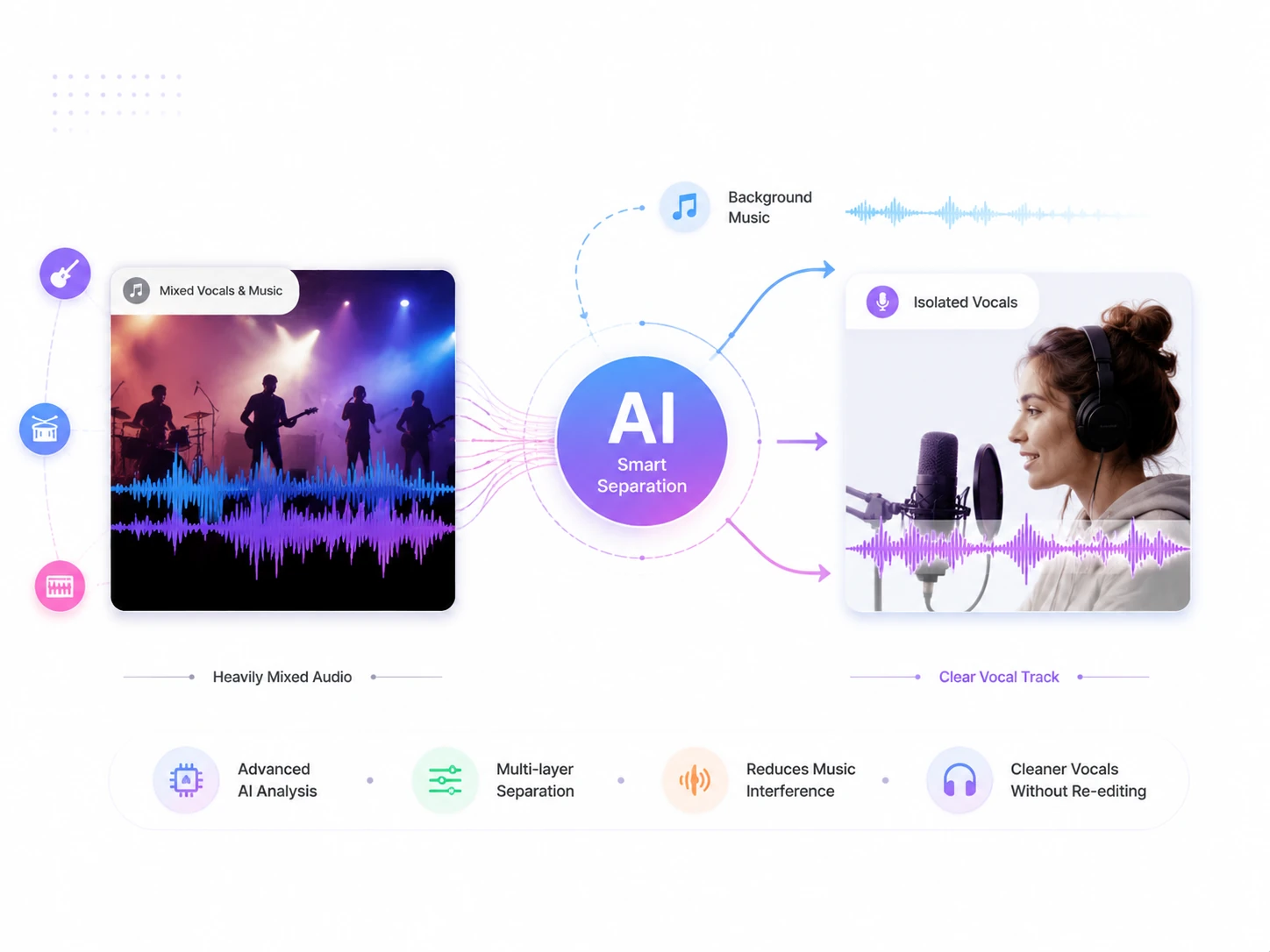
A background music remover is suitable for far more scenarios than most people realize. Below are several ideas to inspire you.
From testing different arrangements to preparing rehearsal materials and production drafts, musicians and producers can shape their sound with more flexibility.
Create YouTube videos, short clips, tutorials, or video content. A background music remover helps improve voice clarity and accuracy for cleaner audio, updated versions, or reusable content.

Remove background music from video or audio files in online lectures, tutorials, and language practice materials. They can focus on clearer study resources for review.

When the primary need is to hear the speech in a podcast or interview more clearly, removing background music makes it easier to follow discussions, stories and key insights.

Loved by Creators, Educators, and Musicians
Many of my online lessons had distracting background tracks. This background music remover helped me keep the instructor's voice clear, so I can concentrate on my courses.
I use it to isolate vocals and clean tracks before creating remixes and mashups. The AI separation is impressive and saves me a lot of preparation time before performances.
I often record videos in noisy environments with music playing in the background. This tool removes unwanted tracks while keeping my voice sharp and clear.
Clean up your audio or video with a free background music remover. Reduce unwanted music, highlight voices, and create clearer content.
Best Speech Recognition
No Manual Editing
One-Click Workflow